Approve a version, not a promise.
Submit a case, review a numbered treatment plan in the browser, and choose planning-only or full production — per case. Approval, payment and production all bind to the exact version you signed off.
How the portal works
From records to aligners, in five tracked steps
Every step is visible to your whole team, and every published plan version is kept.
What we commit to, in the words that bind us
Not a marketing paragraph. This is clause 7 of the Terms of Use you accept when you open an account, quoted without change.
“If we fail to deliver a service you have paid for, or an appliance does not conform to the plan version you approved, we will remake it or refund the fee for that service at our option.”
Terms of Use §7 · Cancellation and refunds
Cases this system handles well, and cases it handles badly
A case-selection aid, not a sales page. What the portal does not do yet is a different question, and it is answered on the Inside the portal page.
Case selection is yours. We plan and manufacture on your prescription — we do not diagnose, do not select cases, and do not determine suitability for aligner therapy.
Cases we handle well
- Crowding, spacing, mild-to-moderate alignment
- Records checked for completeness before a case can be submitted
- Manufacturing files released to you on payment
- Immutable numbered plan versions with a full audit trail
- Planning-only or full production, chosen per case
Cases it handles badly
- Open bites and significant skeletal discrepancies
- Extraction mechanics and complex space closure
- Ankylosed, heavily restored or badly tipped teeth
- Cases needing auxiliaries beyond attachments and elastics
Two people decide this, not one
Doctors approve; staff prepare and track. Clear roles, clear queues, case messaging in one place.
For the treating doctor
- You alone approve a plan version — staff cannot
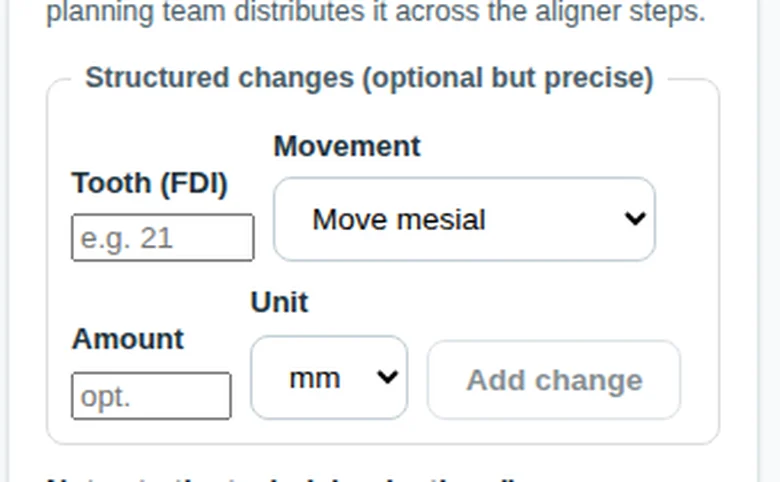
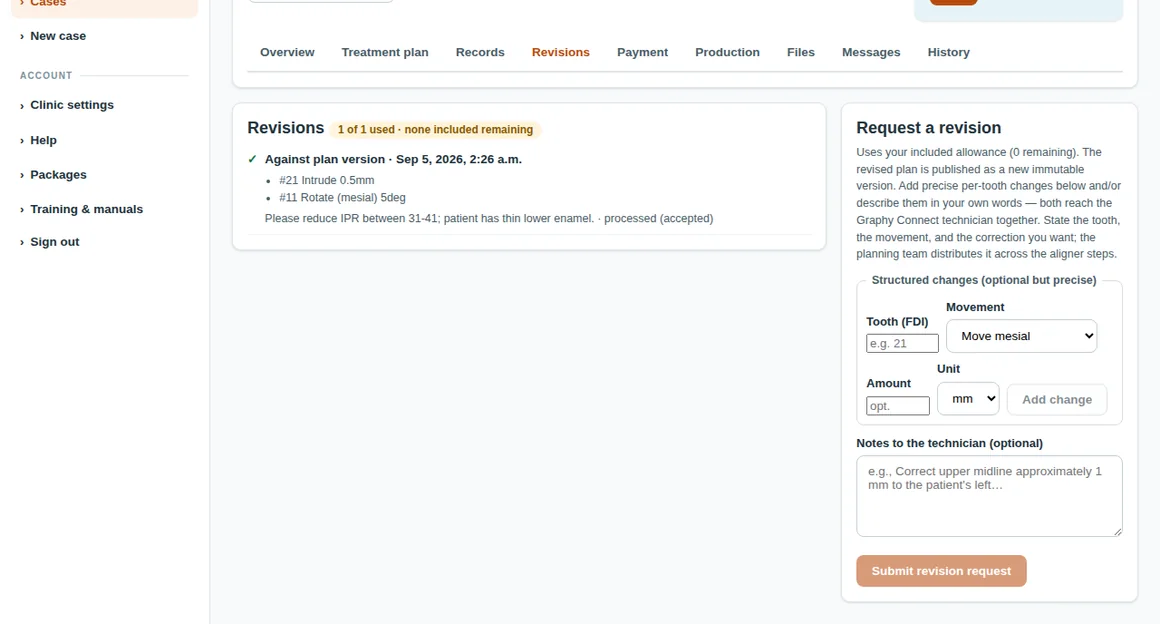
- Ask for changes per tooth, in FDI notation, tied to the version
- Every published version is kept and nothing is edited in place
For the practice
- Prepare and upload records without waiting for the doctor
- The portal says what is missing before the case can be submitted
- One queue and one message thread per case, visible to the whole team
Two service paths, chosen per case
You are not locked into one for the life of the account.
Treatment planning only
For clinics that print in-house: full record review, a portal treatment plan with changes free until you approve it, and an authorized manufacturing file package released after confirmed payment.
Planning only →Full aligner production
Plan review and approval, then manufacturing and shipping handled by Graphy Connect Canada under production plans sized to your case.
Full production →